Wakelift app icon

Wake up
by doing.

Wakelift keeps ringing until you finish a mission: a few squats, a math problem, some steps. By then you’re awake.

Download on theApp StoreFree to download. Pro unlocks more.
  • Rings in silent mode
  • No ads
  • No account
  • Camera stays on device
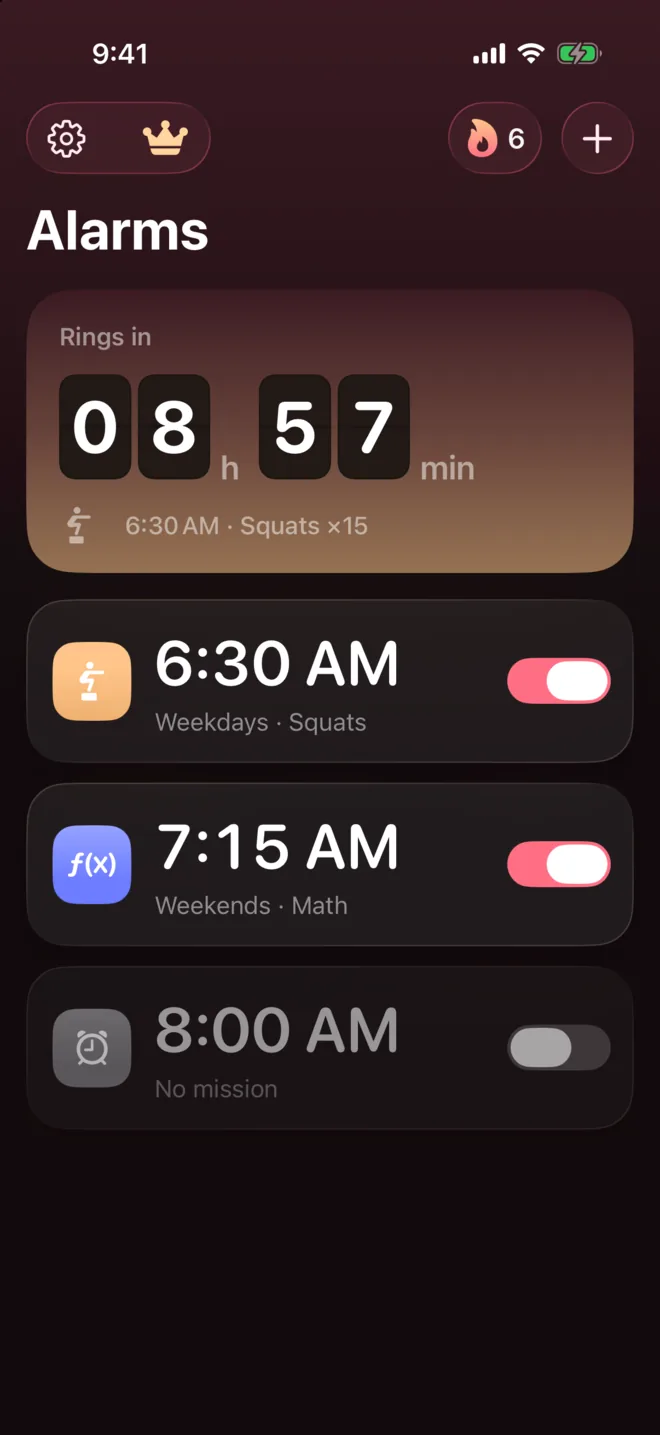
Wakelift alarm list with the next alarm countdown
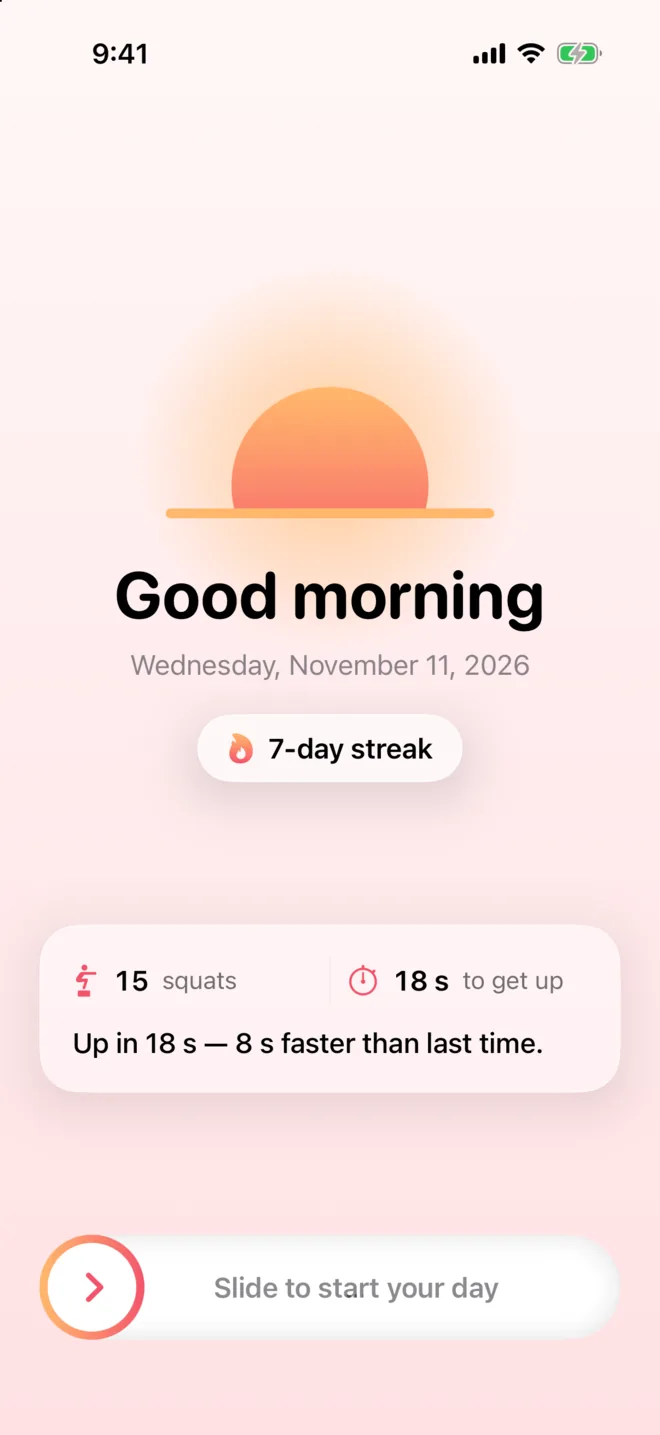
Good morning screen with a 7-day streak

Features

Snoozing gets
a lot harder.

Pick a mission for each alarm. To stop it, you have to get up and do it.

Missions

Choose how
you get up.

Every alarm can have its own mission, with the number of reps or problems you choose.

  • Squats and push-ups, counted by the camera
  • Math problems and steps
  • Scan a barcode or QR code you chose, somewhere far from bed
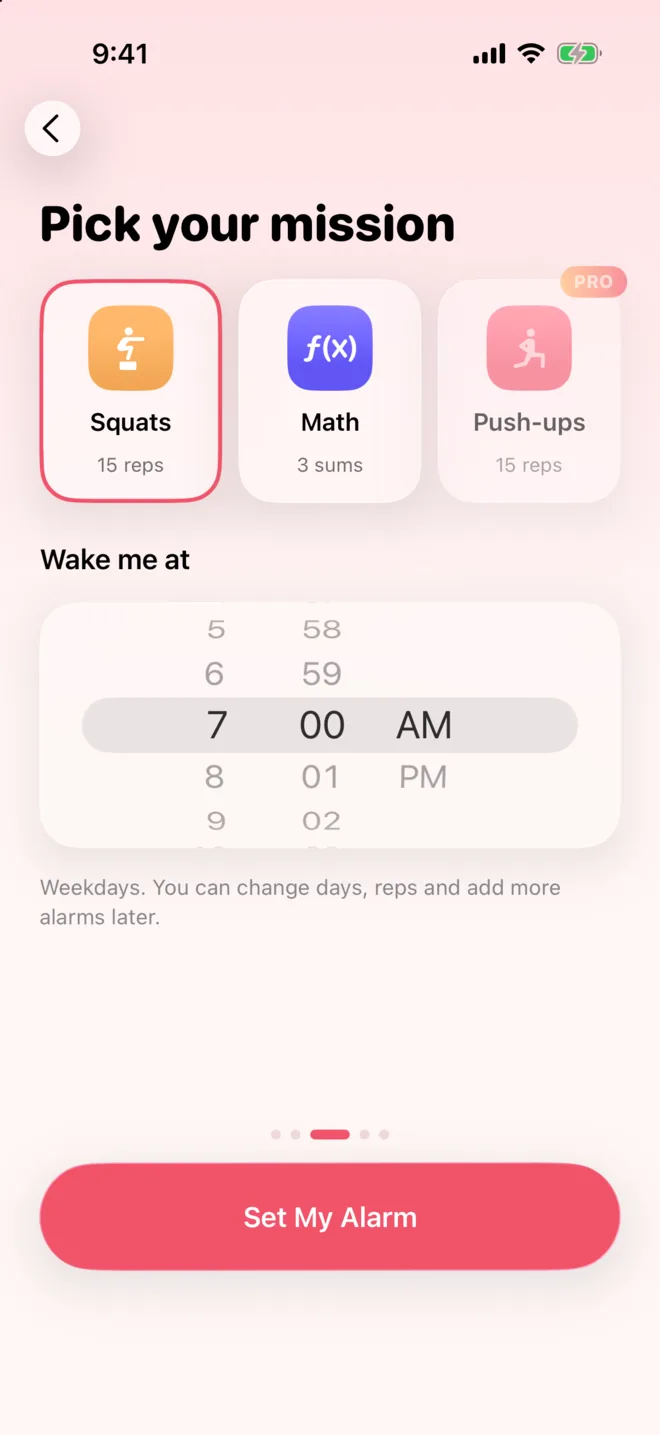
Picking a mission: squats, math, push-ups

Camera reps

Your reps,
counted for you.

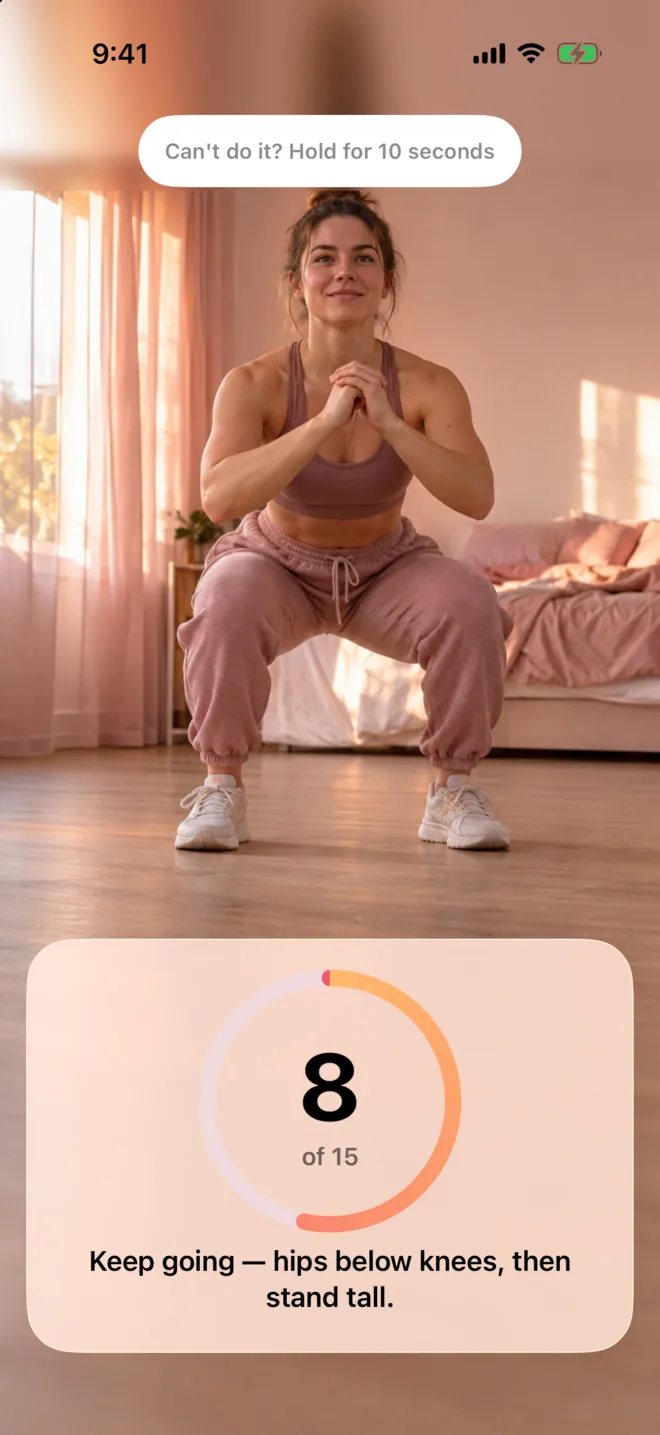
For squats and push-ups, the camera counts each rep on your iPhone in real time. Video is never recorded and never leaves your phone.

Squat mission counting reps with the camera

Math

Wake up
your brain too.

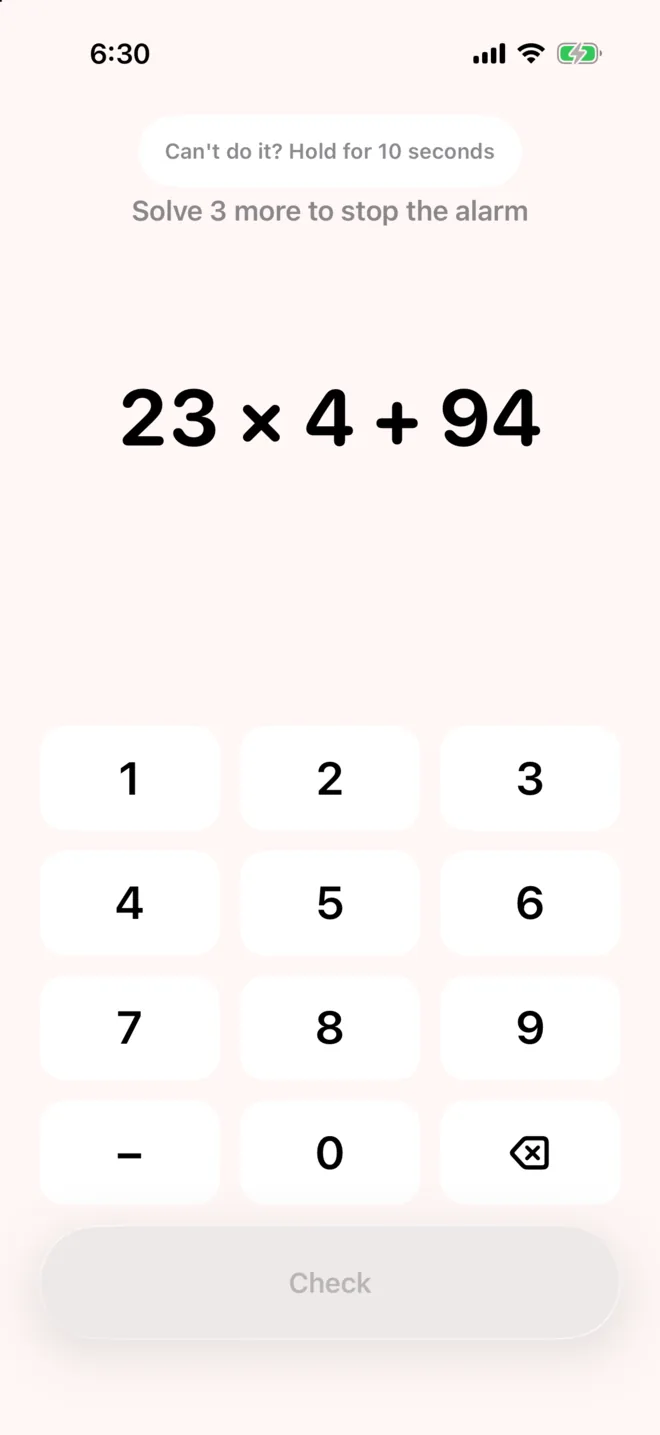
Solve a few problems before the alarm goes quiet. Hard to do half asleep, which is the point.

Math mission with a keypad

Mornings

A good morning,
every morning.

After the alarm, see how long it took you to get up and keep a streak going. Add today’s weather and calendar if you like.

  • Wake-up streaks and times
  • Optional weather and up to three of today’s events
  • Pro wake-up check rings again to make sure you’re up
Good morning screen after the alarm
Alarm list in dark mode

And the details

Built on real iPhone alarms.

System alarms

Wakelift uses Apple’s AlarmKit, so alarms ring like the Clock app, even in silent mode and Focus.

Emergency stop

Can’t do the mission? Hold the button and type the code shown. It always works.

Your schedule

Weekdays, weekends or any days you like, each with its own mission.

Privacy

Nothing to watch here.

No account and no ads. The app uses anonymous analytics only, and your camera feed stays on your iPhone. Read the Privacy Policy.

  • Camera stays on deviceReps are counted on your iPhone. Video is not saved and never sent anywhere.
  • No account neededYour alarms and history stay on your device.
  • No adsAnonymous usage statistics only, no advertising.

FAQ

Questions, answered.

Something else? Write to support@cassianvire.com or visit Support.

Does the alarm ring in silent mode?

Yes. Wakelift uses Apple’s AlarmKit, so alarms ring like the built-in Clock app, even in silent mode and Focus.

What if I can’t do the mission?

Use the emergency stop in the alarm screen: hold the button and type the code shown. It always works.

Is the camera recording me?

No. Reps are counted on your iPhone in real time. Video is not saved and never leaves your phone.

How do I restore my purchase?

Open the Wakelift Pro screen and tap Restore Purchases with the same Apple Account you used to buy.

How do I cancel my subscription?

iPhone Settings → your name → Subscriptions → Wakelift → Cancel Subscription. Deleting the app does not cancel it.

Tomorrow, get up.

Free on the App Store for iPhone.

Download on theApp Store