Centwise app icon

Say what
you spent.

“Coffee four fifty.” Centwise turns a phrase into a transaction, sorts it into a category and keeps your budgets honest.

Download on theApp StoreFree to download. Pro unlocks more.
  • No ads
  • No account
  • No bank login
  • iCloud sync
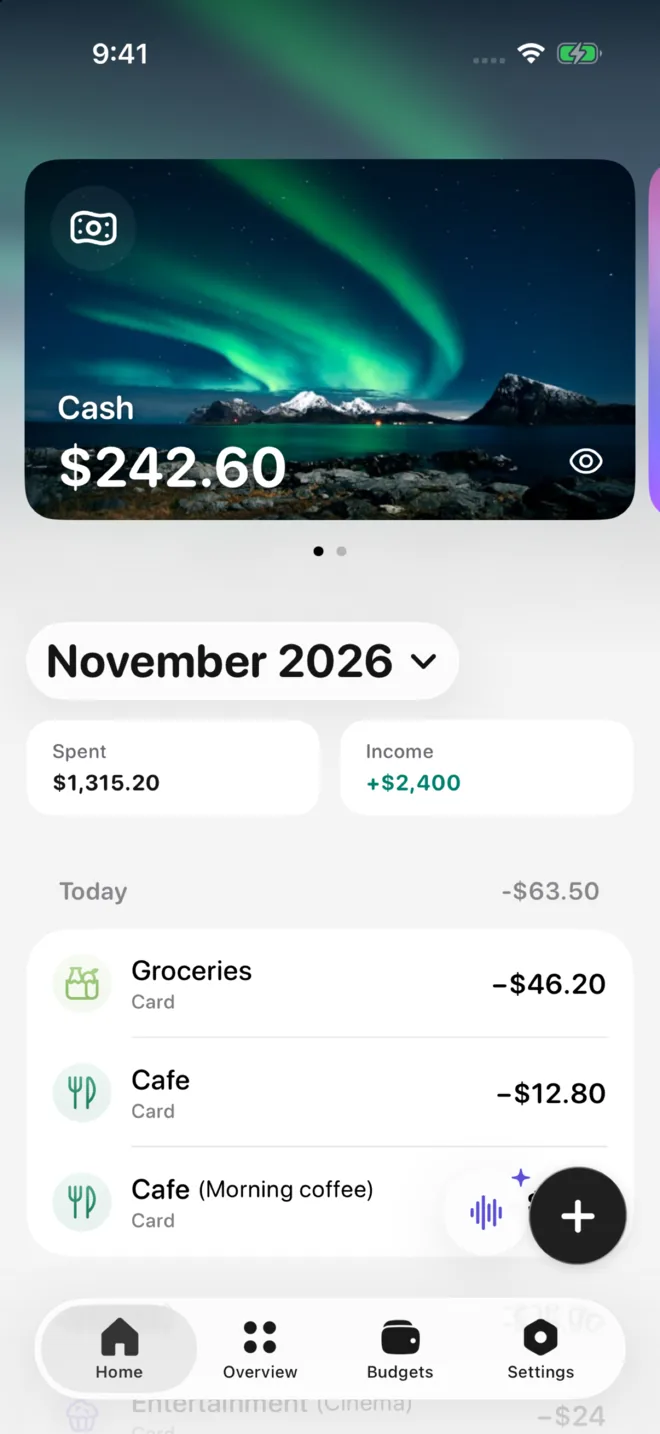
Centwise home with an account card and today’s expenses
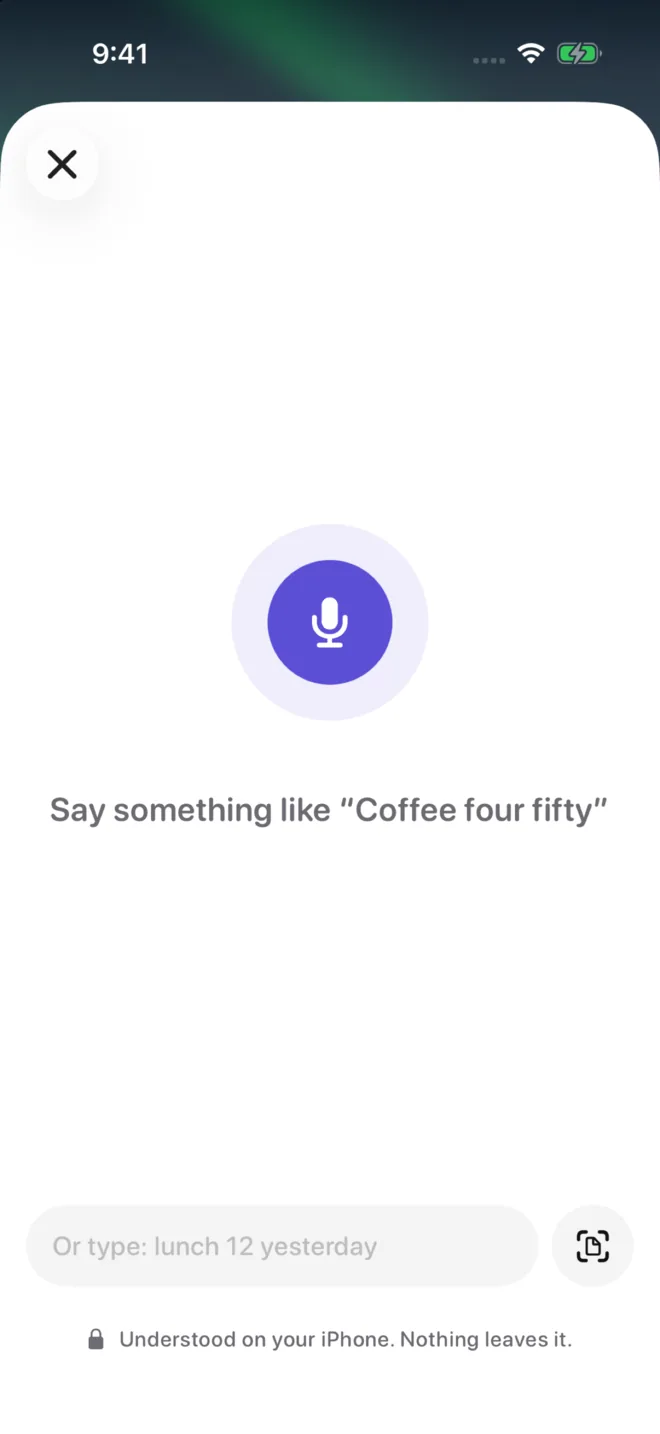
Voice entry: say something like coffee four fifty

Features

Money tracking
that stays out of the way.

No bank connections, no spreadsheets. Just quick entries and a clear picture.

Quick entry

Type it or say it.

“Lunch 12 yesterday” is enough. The amount, category and date are filled in for you, and you check them before saving.

  • Read on your iPhone with Apple Intelligence where available
  • Receipt photos with Pro
  • Server AI only after you allow it
Voice and text entry screen

Accounts

Every account,
one place.

Cash, cards and savings side by side, each in its own currency, with the month’s spending and income below.

Account card and transactions

Overview

See where
it goes.

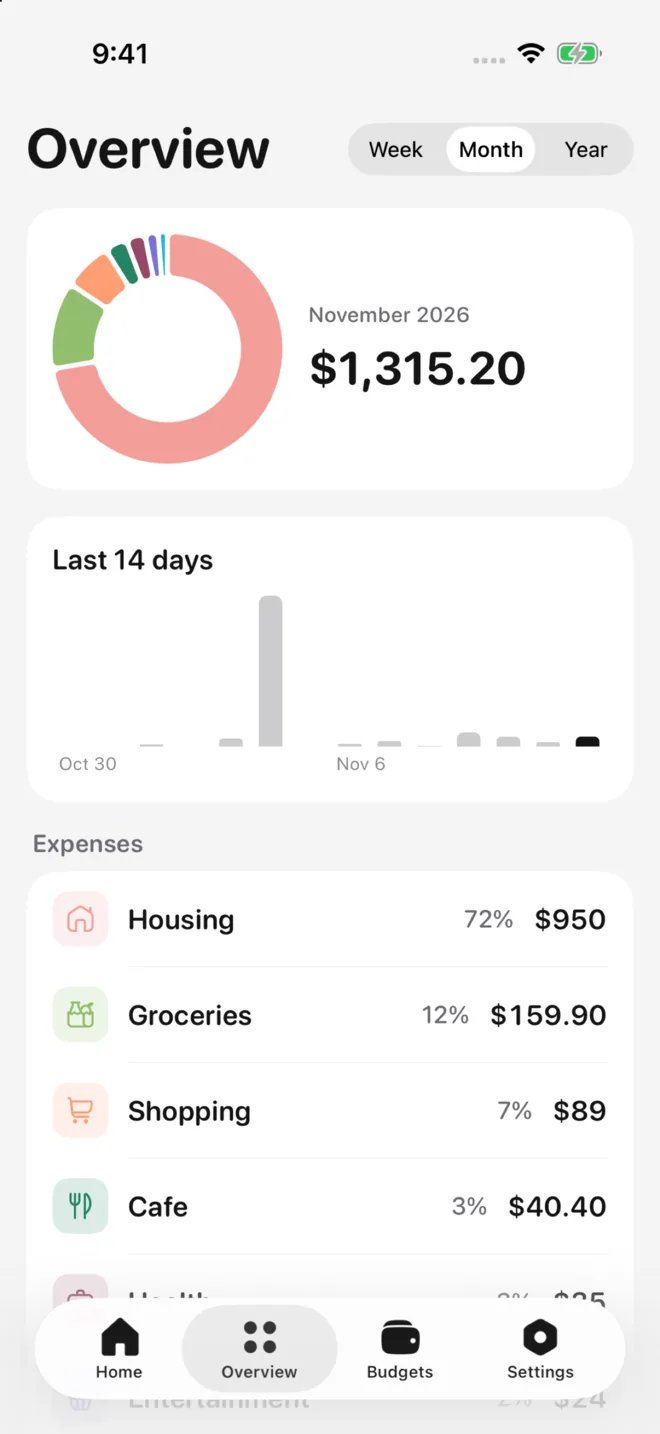
A breakdown by category for the week, month or year, and your daily spending at a glance.

Spending overview by category

Budgets · Pro

Know what’s left
before you spend.

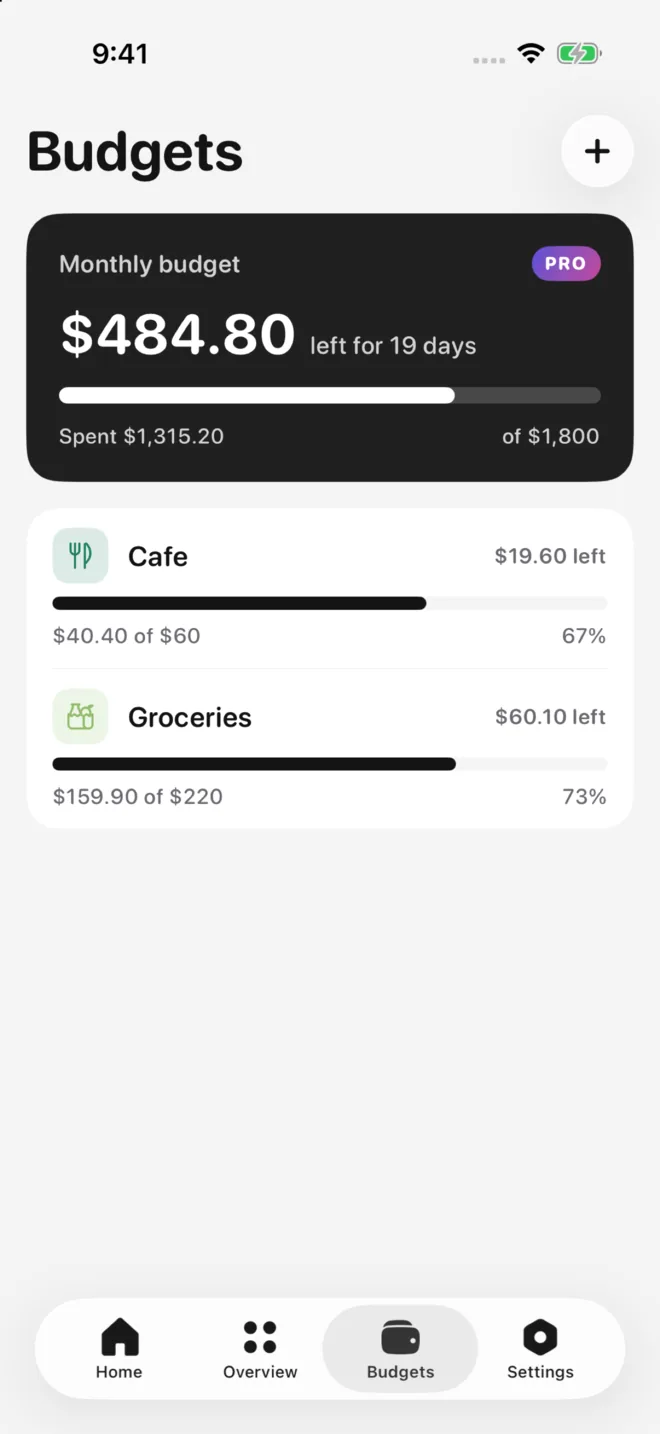
Set a monthly budget and limits per category. Centwise shows how much is left and for how many days.

Monthly budget and category limits

And the details

Small things that add up.

Many currencies

Accounts in different currencies, fiat and crypto.

iCloud sync

Your data syncs through your private iCloud and survives a new phone.

CSV export

Export everything to a spreadsheet any time.

Privacy

Your finances stay private.

No account, no ads and no bank logins. Everything lives on your iPhone and in your private iCloud. Read the Privacy Policy.

  • No accountNothing to sign up for, nothing to connect.
  • I can’t see your dataAccounts, transactions and budgets stay on your device and in your iCloud.
  • AI on your termsPhrases are read on your device where possible. Server AI is used only after you agree, and nothing sent is stored.

FAQ

Questions, answered.

Something else? Write to support@cassianvire.com or visit Support.

Does Centwise connect to my bank?

No. You add transactions yourself, by typing, speaking a phrase or, with Pro, taking a photo of a receipt.

Is my data sent to an AI?

On iPhones with Apple Intelligence, phrases are read on your device. Server AI is used only after you allow it, and only what you choose to process is sent. Details are in the Privacy Policy.

Will I lose my data if I change phones?

No, as long as iCloud is turned on for your Apple Account. Centwise restores your data when you install the app with the same Apple Account. You can also export a CSV file any time.

How do I cancel my subscription?

iPhone Settings → your name → Subscriptions → Centwise → Cancel Subscription. Deleting the app does not cancel it.

Know where it goes.

Free on the App Store for iPhone.

Download on theApp Store