
Every currency.
One screen.
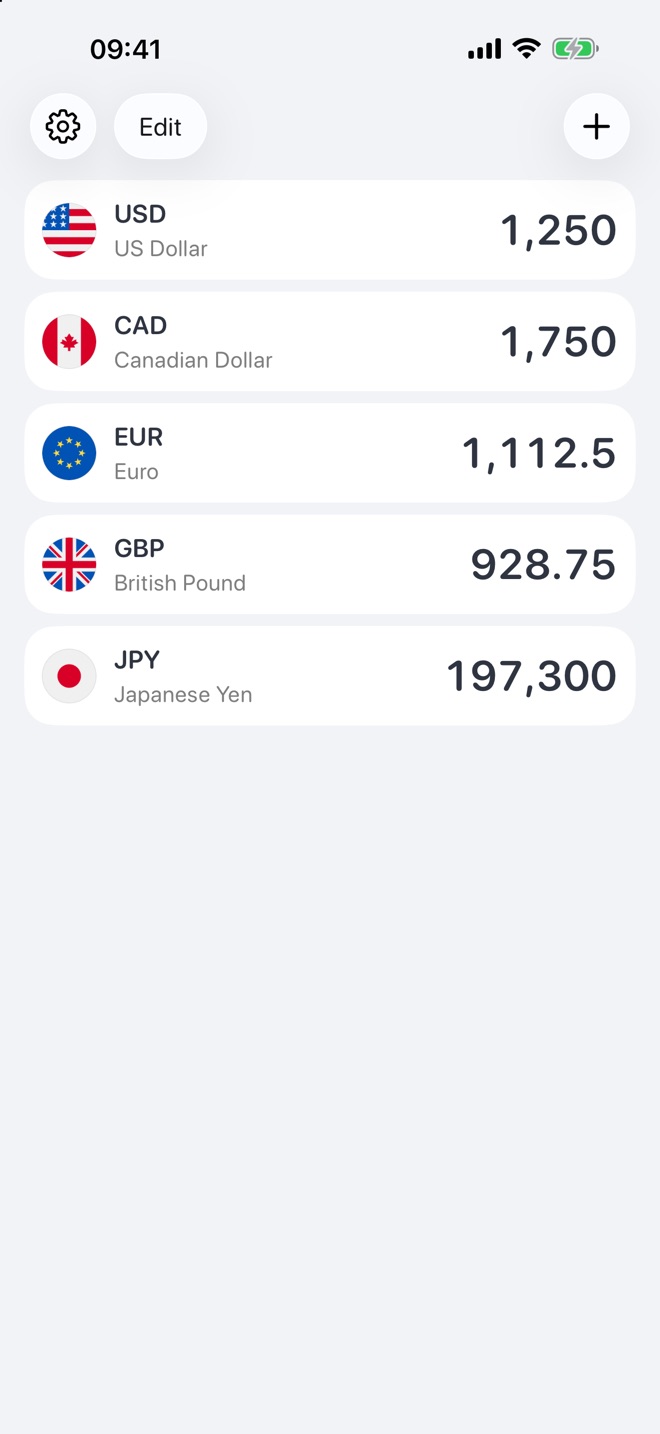
Type an amount in any row and every other currency updates instantly. Rateva works offline, covers 200+ currencies and crypto, and never shows ads.
- No ads
- Works offline
- No account
- No tracking
Features
Built for travel, shopping abroad and everyday money.
No switching between pairs and no pop-ups over the keypad. Just your currencies, side by side.
Find any currency in seconds
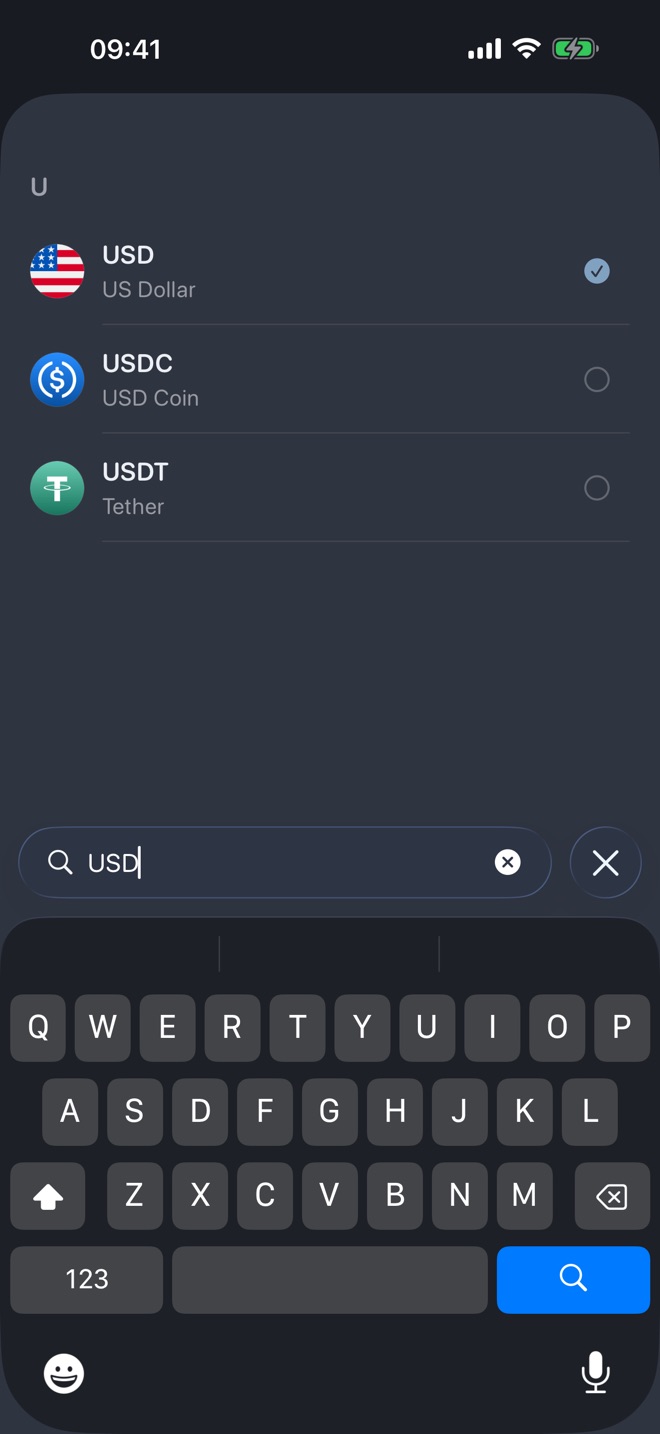
Over 200 world currencies, including less common ones, plus Bitcoin, Ethereum and other cryptocurrencies.
- Search by name, code or country, in your language
- Reorder rows to match how you use them
- Numbers in your region’s format
Your own exchange rate
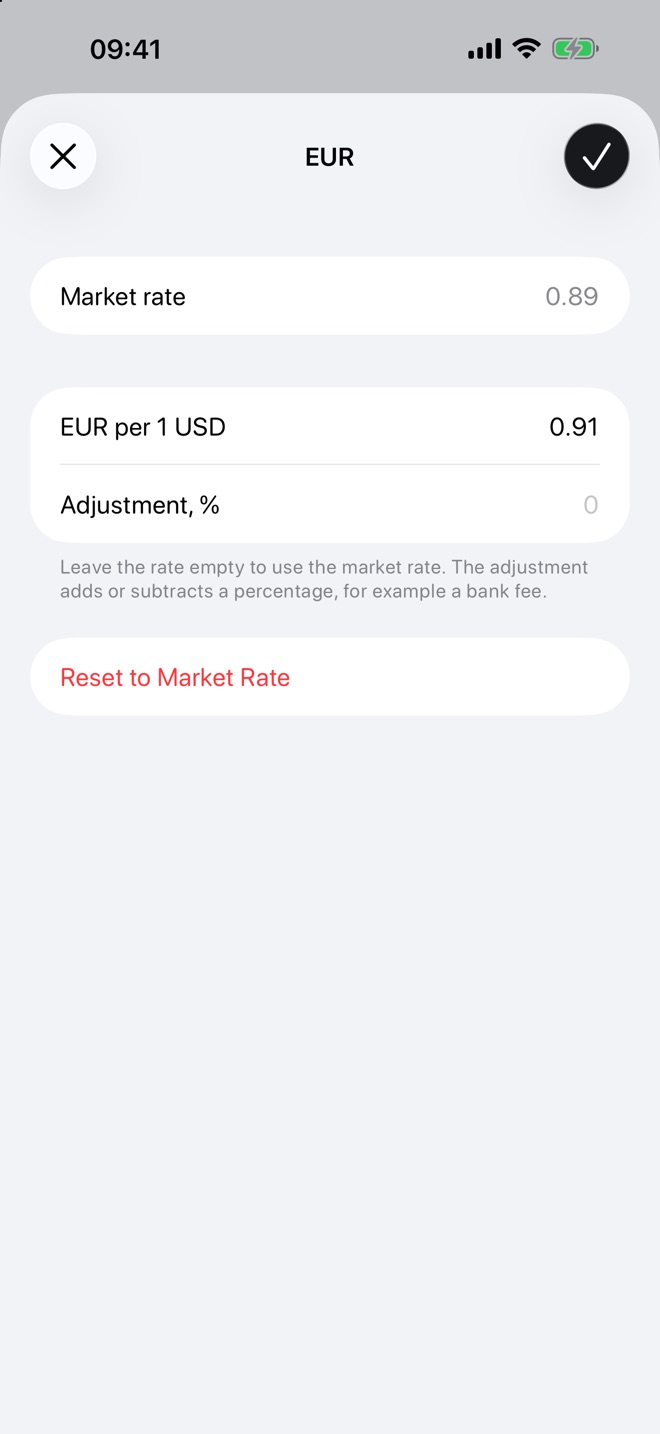
The exchange office or your card gives a different rate? Enter it yourself, or add a percentage on top of the market rate to see what you will really get.
Easy on the eyes, day and night
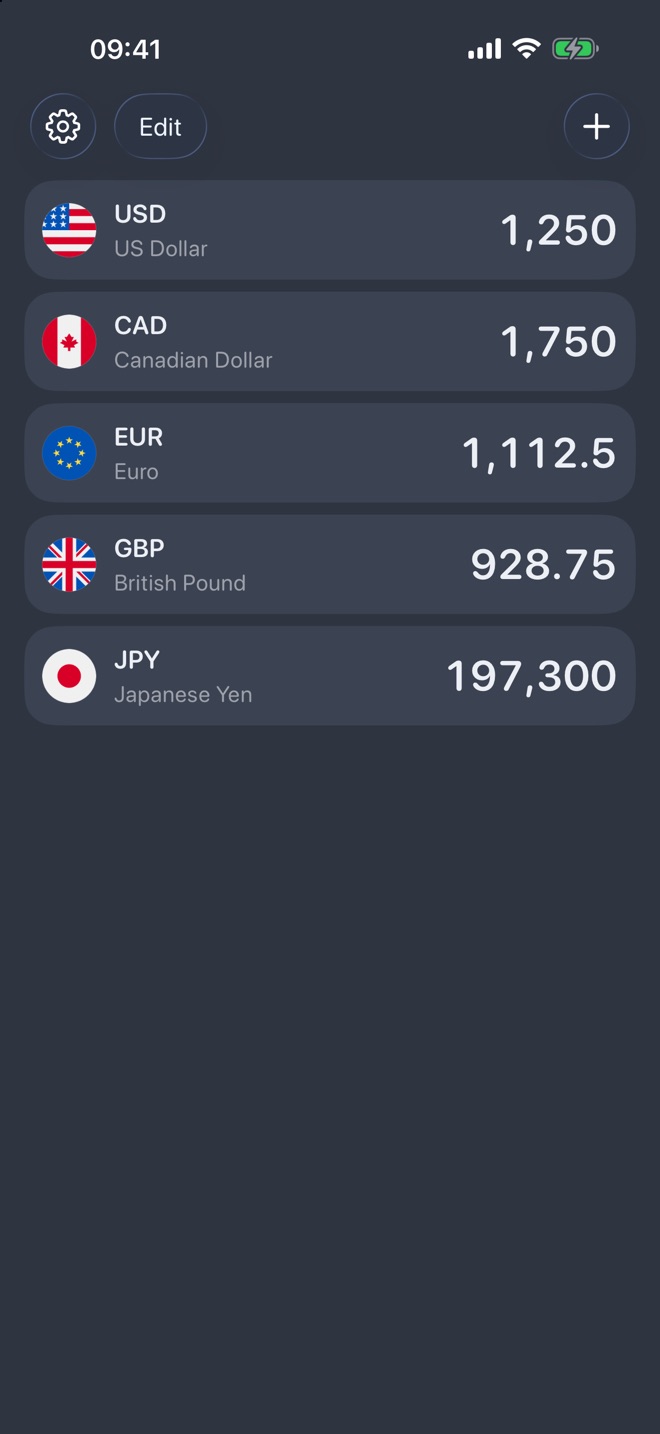
Light and dark themes, several app icons to choose from, and a clean layout that keeps the numbers front and centre.
Works offline
No connection on the plane or abroad? Rateva keeps converting with the last saved rates.
Widgets
A converter widget with its own keypad on the Home Screen, and a rate widget for the pair you watch most.
Private by design
No account, no ads, no tracking. Your currencies and amounts stay on your iPhone.
Free and Pro
Free for everyday use.
The free version covers everyday conversion, with no ads. Rateva Pro adds more for those who convert a lot. Pick a subscription or a one-time purchase if you prefer not to subscribe.
- More currencies on one screen
- Custom rates and percentage adjustments
- Widget keypad to convert without opening the app
- Monthly, yearly or lifetime, prices shown in the app
FAQ
Questions
Where do the exchange rates come from?
Currency rates come from ExchangeRate-API and cryptocurrency rates from Coinbase. They are updated regularly but not in real time, so use them for reference and check the exact rate with your bank or exchange office.
Does Rateva work without internet?
Yes. The app saves the latest rates on your iPhone and keeps converting with them when you are offline.
Does Rateva collect my data?
No account is needed and there are no ads or tracking. Your currencies and amounts never leave your device. See the Privacy Policy for the details.
How do I restore Rateva Pro on a new iPhone?
Open the Rateva Pro screen and tap Restore Purchases while signed in with the same Apple Account you used to buy it.
How do I cancel a subscription?
Subscriptions are managed by Apple: open Settings on your iPhone, tap your name, then Subscriptions. Deleting the app does not cancel a subscription.